
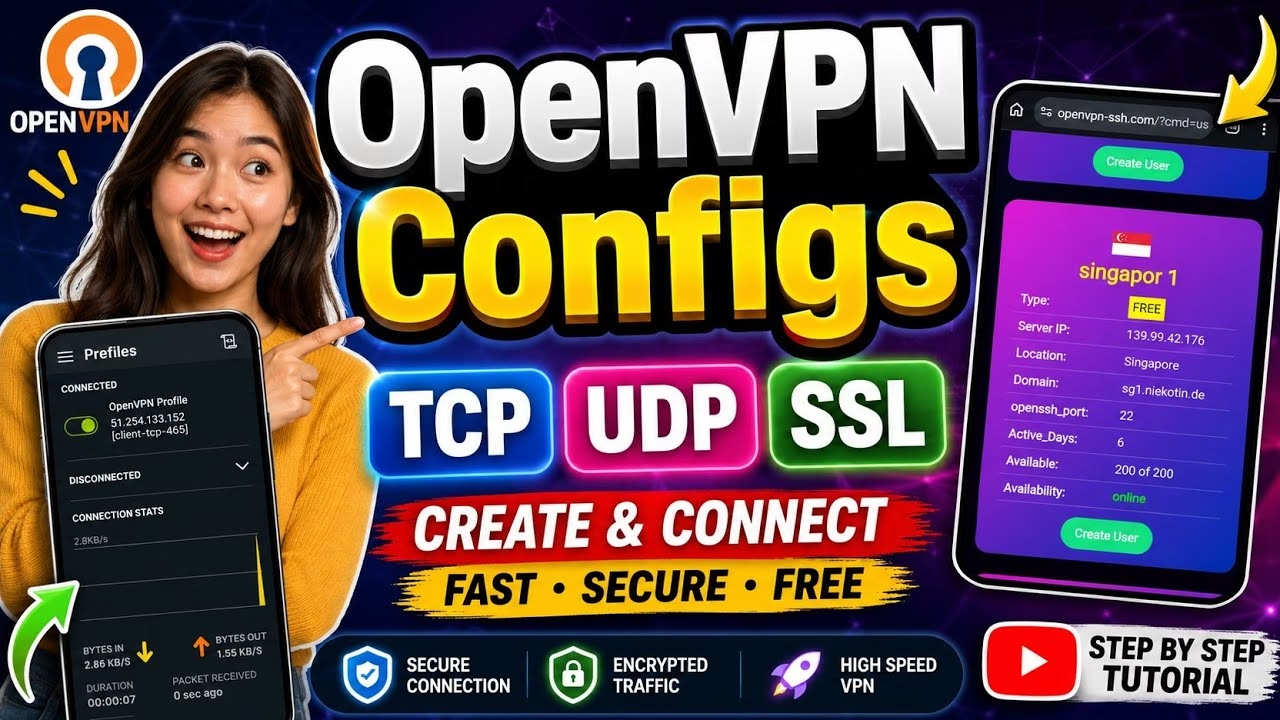
How to create OpenVPN UDP TCP SSL unlimited Config

OpenVPN is one of the most trusted and secure VPN protocols in the world. By running your own custom OpenVPN connection, you ensure complete privacy and get unthrottled internet speeds. In this tutorial, we will show you how to generate your own credentials on the OpenVPN SSH platform, download the configuration profile, and connect using the official OpenVPN Connect Android application.
Table of Contents
- Video Walkthrough
- Step 1: Creating Your OpenVPN Server
- Step 2: Downloading the OVPN Profile
- Step 3: Setting Up OpenVPN Connect
- Frequently Asked Questions (FAQ)
Video Walkthrough
Step 1: Creating Your OpenVPN Server
To connect, you must first create a server account to generate your username and password:
- Open your web browser, search for OpenVPN SSH, and navigate to the homepage.
- Tap the User menu at the top, and select the SSH option.
- Select your preferred server country location and tap Create.
- Enter your chosen username and password, solve the CAPTCHA, and click Create Server.
- Write down or copy your newly generated credentials from the screen.
Step 2: Downloading the OVPN Profile
After creating the account, scroll down on the same page to locate the OpenVPN Configs section:
- Choose between the TCP, UDP, or SSL configuration files. (Note: UDP is faster for streaming, while TCP offers higher stability on fluctuating networks).
- Tap your chosen profile to download the
.ovpnconfiguration file to your device’s downloads folder.
Step 3: Setting Up OpenVPN Connect
Now configure the official client application to import the profile and connect:
- Install OpenVPN Connect from the Play Store.
- Open the app and tap the plus (+) icon or select Import Profile.
- Navigate to your device’s downloads folder and choose the downloaded
.ovpnfile. - Enter the username and password you created in Step 1.
- Tap the connection switch to start the tunnel. Verify your IP change on the OpenVPN SSH homepage.
Frequently Asked Questions (FAQ)
What is the difference between TCP and UDP in OpenVPN?
UDP is faster and uses less battery because it does not require continuous packet verification, making it ideal for streaming and gaming. TCP is slower but checks every packet, making it useful for bypassing network blocks and maintaining connections on weak signals.
How long does my free OpenVPN server account remain active?
Accounts generated on the free tier typically remain active for 3 to 7 days depending on the server class. Once expired, simply visit the site again, generate new credentials, and update the login details in your OpenVPN Connect app.
Can I share this VPN connection with my computer?
Yes. The downloaded .ovpn file can be imported into any OpenVPN client running on Windows, macOS, or Linux using the same username and password.