
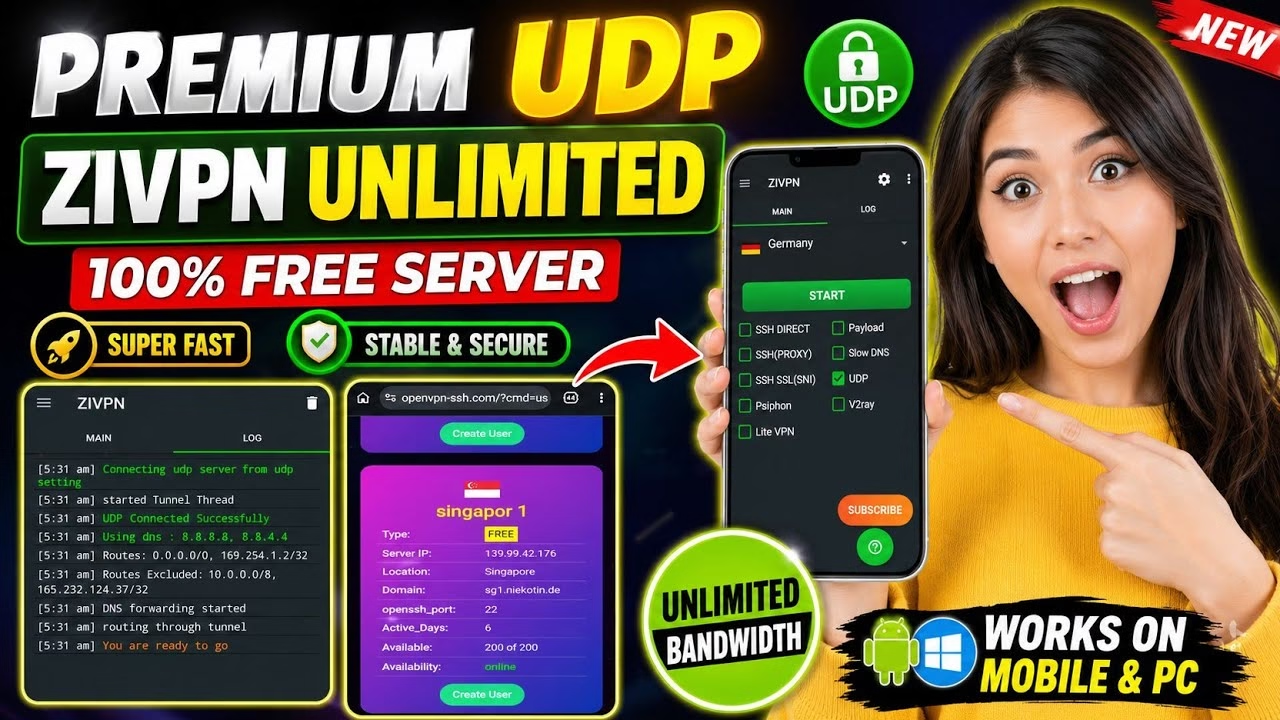
Get FREE Premium ZIVPN UDP Servers for Fast Internet

Using a premium UDP tunnel is one of the most effective methods to achieve high-speed browsing and secure your internet traffic. ZIVPN is an advanced Android tunneling utility that supports highly optimized UDP connections. In this guide, you will learn how to configure a free, premium ZIVPN UDP server using credentials generated from the OpenVPN SSH platform.
Table of Contents
- Video Walkthrough
- Step 1: Generating ZIVPN UDP Credentials
- Step 2: Configuring ZIVPN UDP Settings
- Frequently Asked Questions (FAQ)
Video Walkthrough
Step 1: Generating ZIVPN UDP Credentials
Follow these steps to establish your free UDP server account credentials:
- Open your web browser, search for OpenVPN SSH, and access the official website.
- Tap the User menu at the top, and select NZVPN from the options list.
- On the NZVPN page, select Z VPN UDP.
- Choose your preferred server location and tap Create User.
- Input your custom username and password, solve the verification, and tap Create Server.
- Once created, tap the Copy All button to copy all IP and port details to your clipboard.
Step 2: Configuring ZIVPN UDP Settings
With details copied, you can configure ZIVPN as follows:
- Install and open ZIVPN from the Google Play Store.
- On the main screen under connection type, check the box for UDP Server.
- Open the side menu (hamburger menu icon) and navigate to UDP Tunneling.
- Input your server IP, port, username, and password into their corresponding fields.
- Return to the main screen, tap Start, and monitor the logs to verify a successful connection.
Frequently Asked Questions (FAQ)
Why is a UDP server preferred for fast internet?
UDP (User Datagram Protocol) does not perform transmission verification handshakes for every packet, resulting in less latency and faster transmission speeds. This is highly beneficial on connections with bandwidth limits or latency-sensitive applications.
Can I use this server configuration on my PC?
Yes. The server credentials can be imported into V2Ray/Xray or custom tunneling clients on PC that support custom UDP protocol handshakes.
What should I do if ZIVPN logs show a timeout error?
Ensure that your mobile connection is active. If the issue persists, the server might be congested or the credentials might have expired. Try creating a new server account on a different location node.