
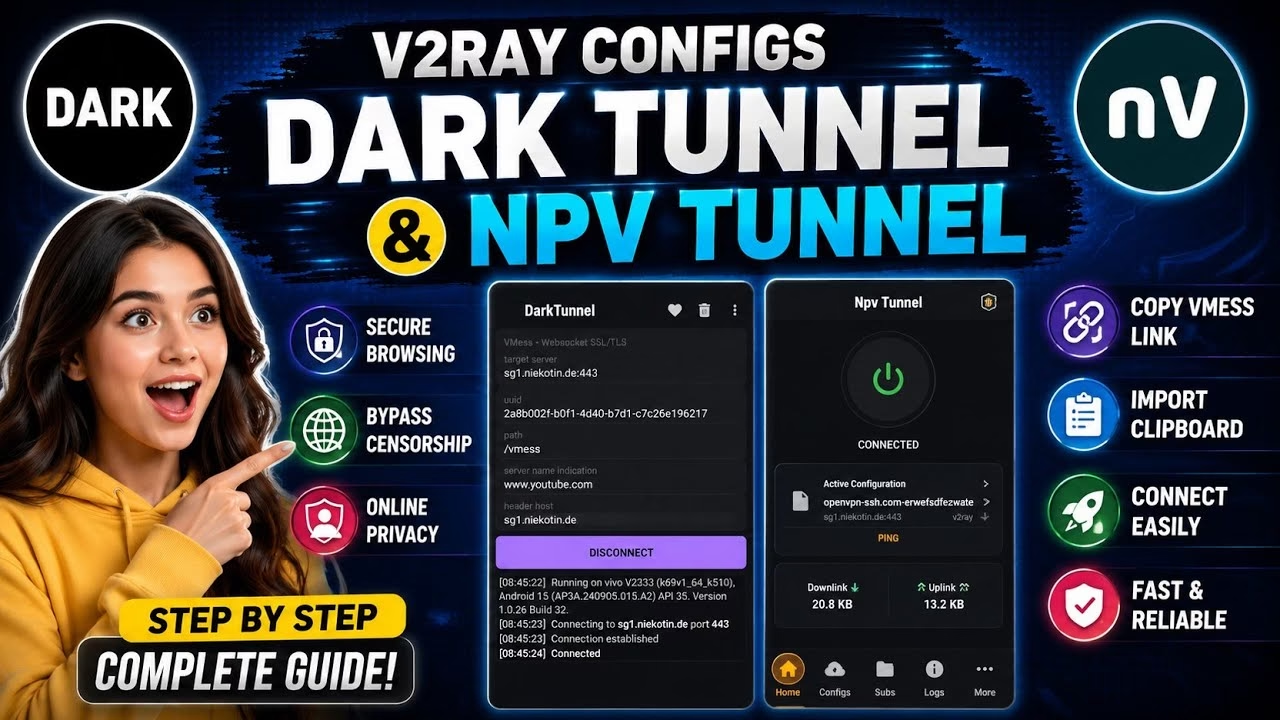
How to create V2ray Config for Dark tunnel and NPV tunnel VPN

In today’s digital landscape, securing your internet connection and bypassing network censorship are more important than ever. V2Ray is a powerful, highly customizable proxy protocol designed to keep your browsing private and unblocked. This comprehensive technical guide walks you through creating a free V2Ray VMess account on the OpenVPN SSH platform and configuring it on two popular Android VPN clients: Dark Tunnel VPN and NPV Tunnel.
Table of Contents
- Video Walkthrough
- Step 1: Creating a Free V2Ray VMess Account
- Step 2: Configuring Dark Tunnel VPN
- Step 3: Configuring NPV Tunnel
- Frequently Asked Questions (FAQ)
Video Walkthrough
Step 1: Creating a Free V2Ray VMess Account
To use V2Ray, you first need to obtain active server credentials. We will use the free server creation tool on the OpenVPN SSH website:
- Open your web browser and search for OpenVPN SSH. Access the official homepage.
- From the top navigation menu, tap on V2Ray.
- On the protocol page, select VMess free.
- Choose your preferred region filter (America, Asia, or Europe) and scroll down to locate a server.
- Ensure the server card has an active Create User button. If it shows a countdown timer, the server slots are full; try another server location.
- Tap Create User, enter a username of your choice, and leave the coupon field blank. Tap the submit button.
- Once the account is created, locate the Link TLS text box and copy the full VMess link to your clipboard.
Step 2: Configuring Dark Tunnel VPN
Once you have the configuration link on your clipboard, setting up Dark Tunnel VPN is quick and automatic:
- Download and install Dark Tunnel from the Google Play Store, then open the app.
- Tap the three-dots menu icon in the top-right corner.
- Navigate to Config > Import > Clipboard. The app will automatically parse the VMess configuration.
- Adjust custom SNI settings if required by your carrier, then tap Connect to establish the secure tunnel.
Step 3: Configuring NPV Tunnel
If you prefer using NPV Tunnel, you can import the same V2Ray configuration using the following steps:
- Install and open the NPV Tunnel app from the Play Store.
- Tap on Servers at the bottom of the screen.
- Tap the plus (+) icon in the top-right corner and select Import from clipboard > V2Ray config.
- Select the newly imported profile, return to the home screen, and tap Connect to start the VPN.
Frequently Asked Questions (FAQ)
What is V2Ray and how does it bypass blocks?
V2Ray is a sophisticated proxy platform that supports protocols like VMess and VLess. It encrypts and masks your internet traffic to resemble normal HTTPS web browsing, making it highly effective at penetrating strict firewall restrictions.
Why is my connection failing to connect?
Connection failures can be caused by server expiration (free accounts generally expire in 3-7 days) or carrier blocks. If Link TLS fails, return to the server creation screen and try importing the Link NTLS or Link GRPC configuration links.
Are free servers safe for online banking?
While the traffic is securely encrypted between your phone and the server, we recommend avoiding financial transactions on public free servers as you do not own the destination server node. Use them primarily for safe browsing and bypassing censorship.