
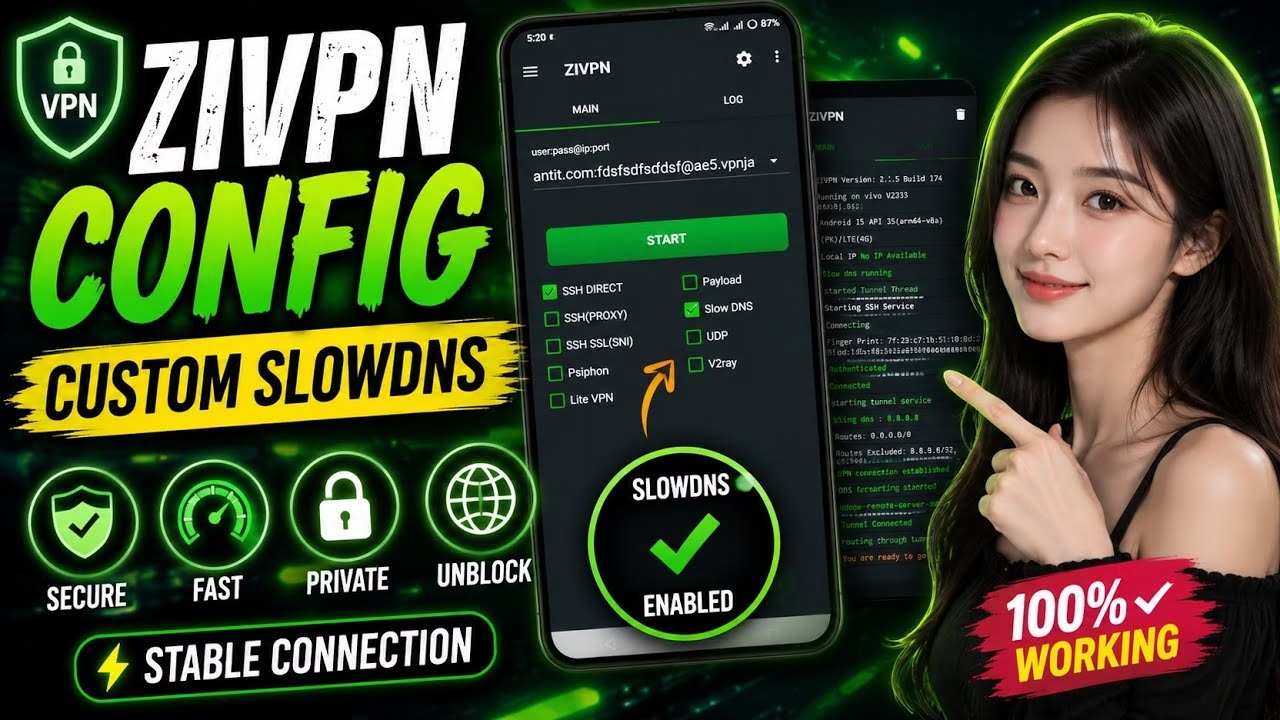
How to create Zipvn SLOWNDS CONFIG for FREE

SlowDNS is a highly secure tunneling protocol that encapsulates your internet traffic into DNS queries, making it extremely difficult for standard network blocks to detect and restrict. ZIVPN is an exceptionally versatile Android utility that fully supports SlowDNS. In this technical walkthrough, you will learn how to create an SSH account on the VPN JAN platform and configure it inside the ZIVPN application using SlowDNS.
Table of Contents
- Video Walkthrough
- Step 1: Generating SSH SlowDNS Credentials
- Step 2: Configuring SlowDNS Settings
- Frequently Asked Questions (FAQ)
Video Walkthrough
Step 1: Generating SSH SlowDNS Credentials
To use SlowDNS, you first need to generate a server profile on VPN JAN:
- Open your browser, search for VPN JAN, and go to the official homepage.
- Open the sidebar menu, select VPN Servers, and tap SSH tunnel server.
- Choose your preferred region and location country. Selecting a server with a longer validity (e.g. 7 days) is recommended.
- Tap Create Server Account, enter a username and password, solve the CAPTCHA, and tap Create.
- Copy down the generated account IP, username, password, Name Server, and Public Key.
Step 2: Configuring SlowDNS Settings
Now configure ZIVPN on your Android device to run the SlowDNS tunnel:
- Install and open ZIVPN from the Play Store.
- On the main screen, enable the checkbox for Slow DNS.
- Map your generated IP, port, username, and password into their respective fields.
- Tap the hamburger icon (top left) and choose Slow DNS Settings.
- Input the DNS Server (e.g.
8.8.8.8), the Name Server, and the Public Key from your VPN JAN credentials. - Save the settings, return to the main screen, and tap Start to establish the unblocked connection.
Frequently Asked Questions (FAQ)
How does SlowDNS bypass censorship?
SlowDNS works by sending your encrypted VPN traffic disguised inside normal DNS requests (UDP port 53). Since almost all networks allow DNS requests to resolve website names, firewalls leave this port open, letting you browse unblocked.
Why is the connection speed slower compared to normal VPN?
Because DNS packets are designed for short name lookups, wrapping large packets of web data inside DNS requests causes significant overhead. SlowDNS is designed primarily for unblocking text pages, messaging, and basic browsing rather than high-definition video streaming.
Do I need a custom public key for the setup?
Yes. The public key is generated specifically for your account node on the VPN JAN server. You must copy the exact public key provided during your account creation for the SlowDNS handshake to succeed.